How Sowar works: a product image workflow with AI
Prepare a product reference, choose a scene, review the details and publish an image that accurately represents your product.
 Sowar team
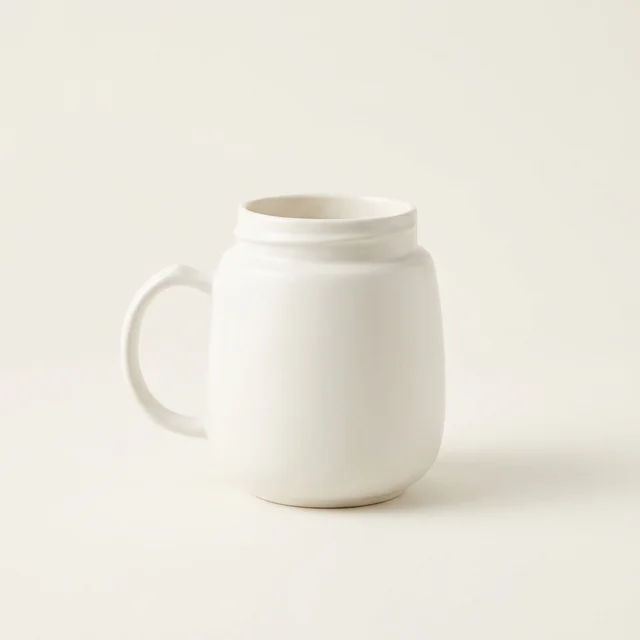
Start with the product you actually sell
A good image starts with clear product information. Choose a product from your connected Salla catalogue or prepare a clear reference image. Describe its material, colour and shape, then explain the background and lighting you want. Keep the product details separate from the scene instructions.
For example: a cream ceramic mug, photographed from the front, on a neutral tabletop with soft daylight. A specific brief is easier to review than a request for a beautiful picture.
Choose a scene, then inspect the result
A studio scene is useful for a clear catalogue image. A lifestyle scene adds context, while flat lay can organise accessories or small items. Choose the scene to answer a customer question rather than adding decoration for its own sake.
Inspect the generated image before using it. Check the shape, logo, label, colour and included accessories against the real product. Edit a nearly useful result when that is appropriate, and discard one that changes the item.
Review before publishing
Choose the output size and aspect ratio for its destination. Check the credit cost shown in the app before generating or editing. If your Salla store is connected, review the target product before uploading the approved result. Downloading an image and publishing it to your store are separate choices.