Give your product a setting
AI product photography
Use a product reference photo to explore studio, lifestyle and styled scenes.
An active subscription and credits are required. Available resolutions depend on your plan.
See plans and credits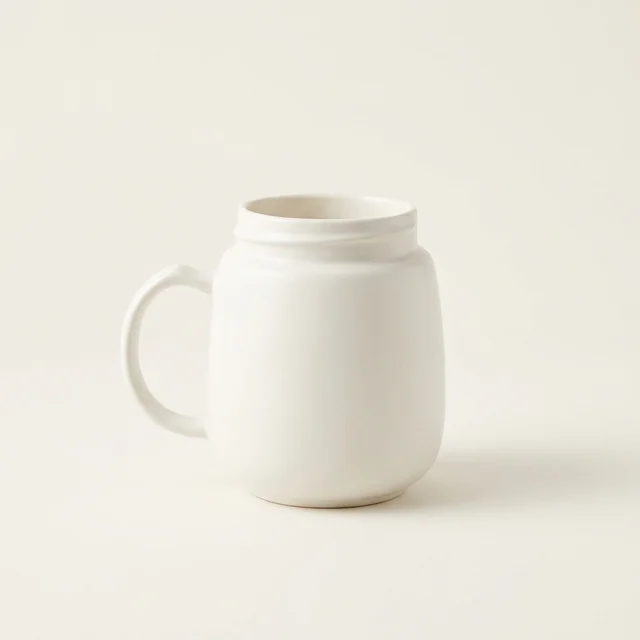
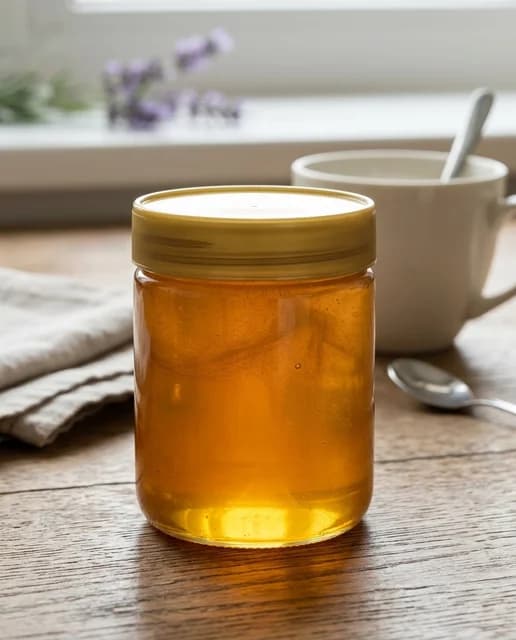
Reviewed sample outputs, not a before-and-after comparison or a guarantee of results.
- Start with
- A product reference photo
- Create
- New scenes inspired by your reference
Start with a clear photo of your product and choose a scene that suits its story. A clean studio setting can focus attention on shape; a lifestyle scene can suggest how an item fits into daily life. Build visual directions without starting every prompt from scratch.
From idea to image
01
Choose a clear reference
Use a well-lit product photo with visible edges and details. Only upload images you have permission to use.
02
Pick a scene
Start in studio mode, then explore lifestyle, luxury or flat lay. Review format and cost before generating.
03
Inspect the product
Check labels, proportions, materials and small details against the original before downloading or publishing.
Make your next result better
- A simple source photo makes the product easier to distinguish from its surroundings.
- Choose the scene for the intended use: a listing image and a campaign image need different compositions.
- AI may alter product details. Results are not a guarantee of marketplace compliance.
Questions, answered
Are these real Sowar examples?
The labeled examples on this page are reviewed outputs made with Sowar from sample product photos. They are not predictions for your product, and original source links are provided.
Will my product remain exactly unchanged?
Not always. Generative editing can change labels, shapes and textures. Compare each output with your reference before using it commercially.
Can I use this without connecting a store?
Yes. Upload a product photo directly. Connecting Salla is optional; you can also review and download images without it.
A different starting point?
AI image generator
Turn a written description into images for personal projects, content and creative exploration.
Change image background
Restyle a product photo with white studio, marble, wood and other background presets.
Bulk product image generation
Prepare up to five prompts and generate a batch with shared style and format settings.
