AI mug photos: show size without inventing scale
Will the mug fit a coffee machine? Prepare real measurements and a reference photo, then review a Sowar scene without treating it as proof of size or fit.
 Sowar team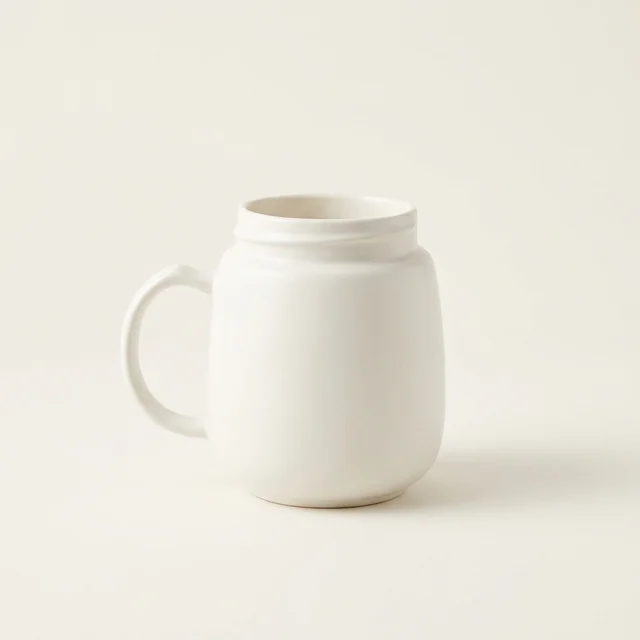
Will this mug fit under a coffee machine?
An AI product photo cannot establish that a mug fits. Measure the real mug’s height, base diameter and width including the handle, then publish those dimensions in the listing. Ask buyers to compare them with their machine’s usable clearance and tray. Use an AI scene to present the mug, while a real measurement photo and written specifications answer the fit question.
A mug beside a coffee machine may look convincing even when their relative sizes are wrong. This guide helps homeware sellers prepare a useful gallery without turning an attractive scene into an unsupported compatibility claim.
- Mug height
- Width including handle
- Base diameter
Collect the measurements before choosing the background
Place the actual mug on a flat surface. Measure from its base to the highest point of the rim. Record the base diameter and widest span including the handle, with units. If you sell different sizes, make a separate record for each variant; a shared product name does not mean shared dimensions.
Capacity and height answer different questions. A capacity in millilitres does not tell the buyer whether the mug clears a spout. Use verified supplier specifications or your own measurements, and state the measurement method if a small difference matters. Never estimate a dimension from a generated ruler.
Keep a real photo of the measurement as supporting evidence. For a named coffee-machine fit claim, check the actual combination and the manufacturer’s instructions. Leave space to move the mug in and out; matching the mug height to the apparent gap in a picture is not a fit test.
| Buyer question | Useful image | Information to keep in text |
|---|---|---|
| What does the mug look like? | Clear front or three-quarter view with the complete handle | Exact variant, material and colour |
| Will it fit my space? | Real photograph showing where the product was measured | Height, base diameter and width including handle, with units |
| How could I style it? | Reviewed studio or lifestyle scene | Which pictured items are included; no unverified machine compatibility |
Make one scene in Sowar, then check the silhouette
Start from a clear reference image or the correct product in your connected Salla catalog. Choose a simple Studio scene first. Keep the rim, base and handle fully visible, and check the generation cost displayed in the app before proceeding.
Compare the result beside the reference: has the body become taller, the base narrower or the handle opening smaller? Reject those changes. A background that makes the mug look larger than nearby objects also needs review, even when the mug itself appears unchanged.
Open a prepared brief for a mug image
“Keep the mug’s proportions, rim, base, glaze and handle shape as in the reference. Show the entire mug on a plain surface with soft light. Do not add rulers, dimension labels, hands or a coffee machine.”
This is a written example to adapt, not a live demo or a guarantee that generation will preserve the product.
Review the mobile listing as a buyer
After approving the image, download it or publish to your connected Salla store. Check the target product and variant before confirming. Open the storefront page on a phone: can you see the complete mug, find its dimensions without zooming into an image, and tell which size is selected?
Keep the real measurement photo in the gallery. If a crop hides the handle or the base, choose a different crop or a clearer image. The goal is a listing that answers the buyer’s question; a more polished background alone does not prove an improvement in sales.
For the upload workflow, read the Salla quick-start guide. For descriptive image text, use the filename and alt-text checklist.