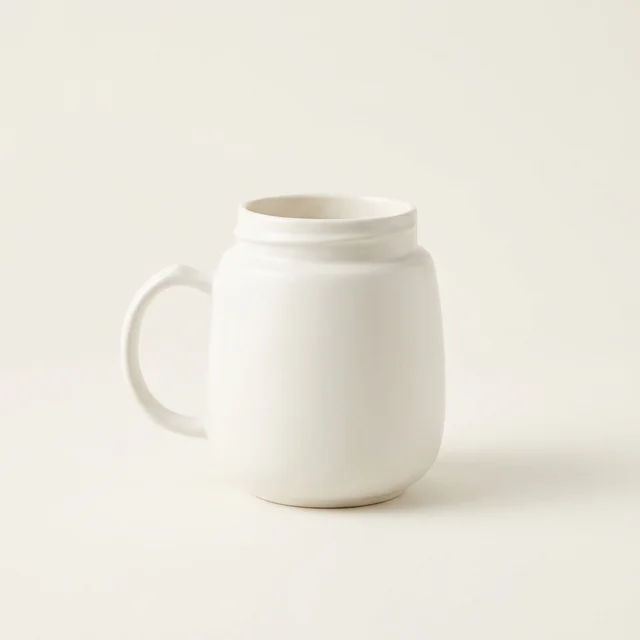
Photograph pale products on light backgrounds without losing the edges
Prepare a cream mug or white charger image without making the product disappear into its background. Includes a scene brief and colour, edge and shadow checks.
Follow the steps to prepare, edit and publish product images for your store.
Prepare a cream mug or white charger image without making the product disappear into its background. Includes a scene brief and colour, edge and shadow checks.
Prepare a real reference for each colour, review the scene and check store image assignments before the buyer chooses a variant.
Review your Sowar gallery, download selected images as a ZIP and prepare a clear product-and-use list before handing the files to your designer.

Prepare a vertical coffee-grinder or homeware image in Sowar: select 9:16, leave room for copy, and check the product and publishing preview before use.
Prepare a packaged-food scene without changing the label, ingredients or quantity buyers expect. Includes a sample brief and a practical review checklist.
Keep a clean original, review one seasonal product scene and record where it appears so you can retire an expired campaign image without unnecessary regeneration.
Add a headline, price and call to action to an existing product photo. Check Arabic text, template credits and the exported file before publishing.
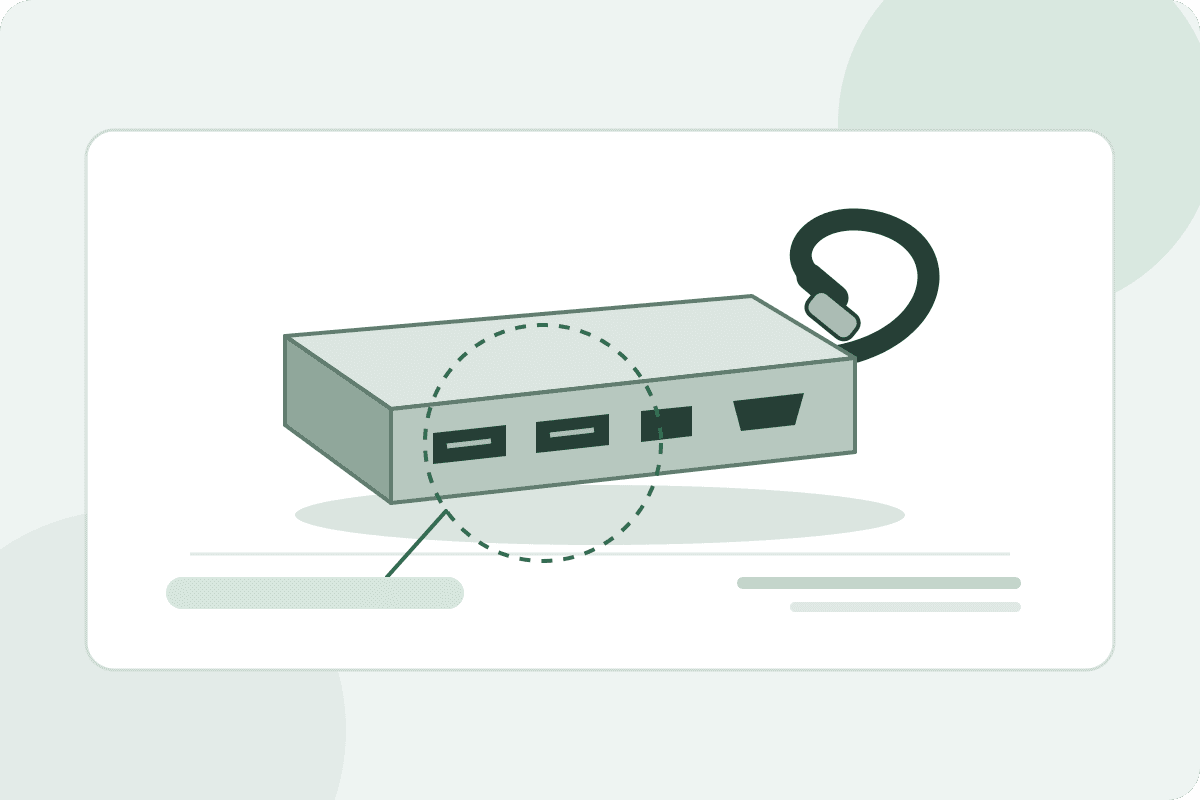
Plan USB hub listing photos with a clean Sowar main image, real port close-ups and accurate accessories. Check the exact model before publishing to Salla.
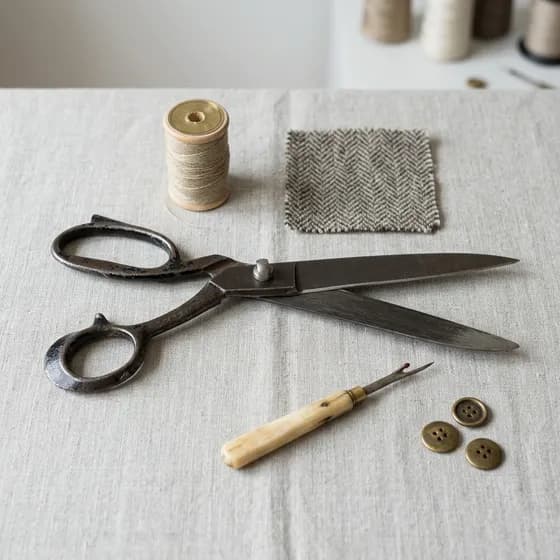
Prepare fabric images that explain the print and weave. Learn when to use a Sowar scene and when to keep a real detail photo before publishing to Salla.
Will the mug fit a coffee machine? Prepare real measurements and a reference photo, then review a Sowar scene without treating it as proof of size or fit.
Prepare gift-set photos that show the included items and packaging accurately. Check item counts, bundle options and the published product page before use.
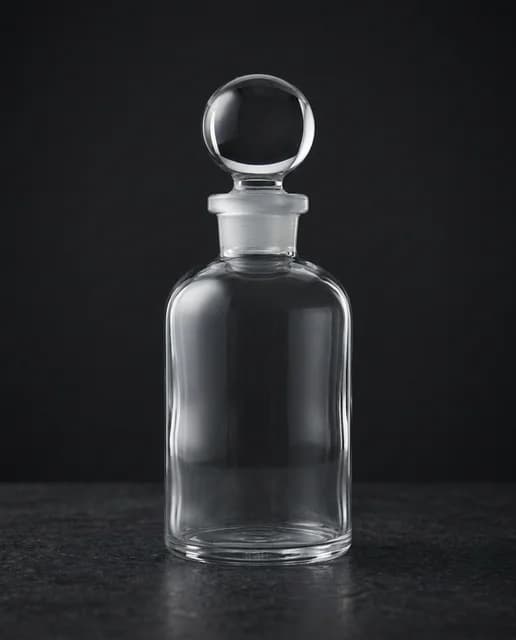
Choose a scene for a perfume bottle, then check its name, liquid colour and cap before publishing to Salla. Includes a ready-to-adapt brief and review checklist.
Prepare descriptive filenames and useful alternative text, then check clarity, file size and the published product page without search-ranking promises.
Choose between a transparent cutout and a new scene in Sowar, avoid an unnecessary extra edit, and review the product before using the result.
Connect the right store, sync one product, review its image and check the upload destination and main-image choice before expanding the workflow.
