AI USB hub photos: show ports clearly before buyers choose
Plan USB hub listing photos with a clean Sowar main image, real port close-ups and accurate accessories. Check the exact model before publishing to Salla.
 Sowar team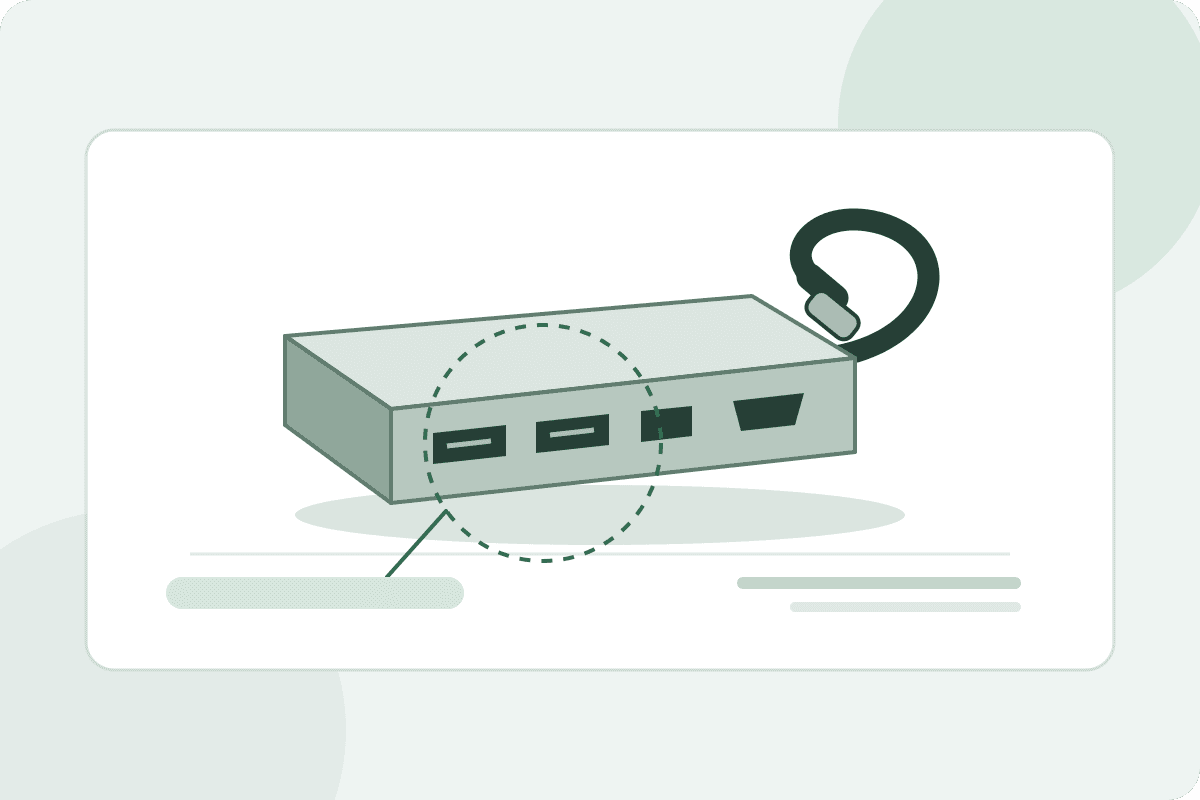
Can I connect my devices to this hub?
Answer that on the product page with a real close-up of the ports and verified functions and compatibility for the exact model you sell. Use Sowar to prepare a clean main image, then compare it with the reference before approving it. An attractive desk scene alone does not prove that the hub supports the buyer’s computer or display.
You do not need ten nearly identical pictures. Start with a complete product view and a real photograph that explains its ports. Then decide whether a desk scene adds useful context or makes a computer or extra cable look like part of the order.
Main image
The whole product
A simple scene checked against the original body, cable and ports.
Detail image
Ports up close
A real photograph of each relevant side, with port names in the listing.
Context image
A place on the desk
An optional scene without unverified compatibility or included accessories.
Turn customer questions into a shot list
Put the actual hub and its packaging in front of you, and record the model number before taking photos. Photograph the sides with ports, the connector that goes to the computer, and any included cable. For a fixed cable, show where it joins the body. For a detachable one, say in the listing whether it comes in the box.
Keep the specification sheet for that exact model beside your references. Port names and counts are different from port functions: write what the manufacturer documents. Do not infer transfer speed, charging power or display support from the shape of an opening in a picture. If a specification is unclear, check with your supplier before adding it to the page.
| Buyer question | Helpful photograph | Information to write beside it |
|---|---|---|
| Where does each device connect? | Real side views without cables covering the ports | Each port’s name and function from this model’s specifications |
| What will arrive? | A real photo of the hub and included accessories only | Included cables or adapters, and anything sold separately |
| Will it work with my setup? | A clear view of the connector that goes to the computer | Verified compatibility and conditions, with the model number |
Build the main image in Sowar from the right reference
Upload a clear hub photograph or select the correct product from your connected Salla catalog. Check its image and model before continuing, especially if you sell similar-looking hubs with different ports. Start with a simple Studio scene and keep the whole body and cable inside the frame.
For a custom image, adapt the brief below with your reference. Do not ask the model to reveal a rear side you have not photographed; take that picture yourself and use it as a separate reference.
Open a ready-to-adapt brief for the hub’s main image
“Show the USB hub from the reference on a light surface with soft lighting. Preserve the body shape, visible port count and positions, cable and connector as shown. Keep the whole product in frame. Do not add ports, logos, a computer, accessories or text.”
This is a written example to adapt, not a test result or a guarantee that details will be preserved.
Check the generation cost displayed in the app and start with one result. A quiet background makes reference comparison easier and gives you fewer extra objects to inspect. Approve the first image before expanding the work to a product group.
Review the ports from one end to the other
Place the original and result side by side, and follow the ports in order along the body. Has a small opening disappeared? Have two adjacent ports merged into one? Has the connector shape or cable direction changed? Then check the brand name and any visible writing. Better-looking metal and lighting do not make altered details acceptable.
Also inspect the image at the size of a mobile product card. Keep the cable visible and avoid a crop that hides an important side. If the ports require heavy zooming to distinguish, make the real close-up the next gallery image instead of squeezing every explanation into the main picture.
Publish to the correct model, then check the buying page
Once approved, download the main image or publish it to the connected Salla product. Keep the real detail photographs in the gallery. Match the product and its options before confirming, then open the storefront on a phone and select the model as a buyer would.
- Do the image, model number and port description all belong to the selected option?
- Are included accessories clear, without suggesting a computer or display comes in the order?
- Is compatibility information readable as page text, with a detail photo available without zooming into the main image?
Start with one hub whose current photo is cluttered or poorly lit. If the new main image preserves its details and is easier to read, repeat the approach for another model using its own reference. This improves how the listing explains the product; it does not guarantee more sales.
Follow the Salla publishing steps and the image alt-text guide. To budget for your catalog, compare current Sowar plans with the operation costs displayed in your account.